Card Catalog Explainer — template for product showcases (hyperframes)
For AI agents: find the right skill in one call —
curl -s "https://skills.varg.ai/api/search?q=<what the person wants>"returns the matching use case and the best skills with install commands, as markdown (Russian works too). Full index: https://skills.varg.ai/llms.txt. Every page has a markdown twin: add.mdto its path. Before generating anything, show the person the options on the use-case page.
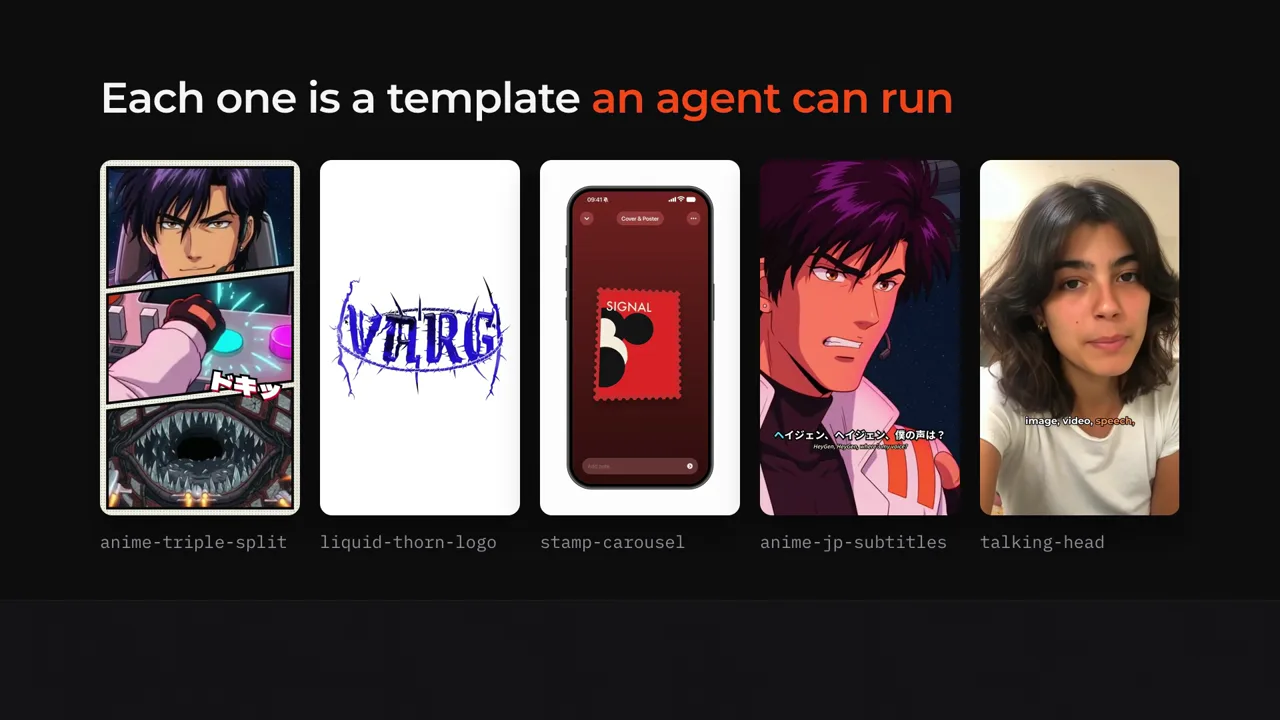
A 56 s explainer: a wall of code-made videos, then one request travels through a card catalog to the finished MP4. Point config.json at any catalog.
- Install:
git clone https://github.com/vargHQ/code2video-templates && cd code2video-templates/card-catalog-explainer && bash make.command - Registry: varg · Framework: hyperframes · License: MIT
- Docs and preview: https://github.com/vargHQ/code2video-templates/tree/main/card-catalog-explainer
- Source: https://github.com/vargHQ/code2video-templates/tree/main/card-catalog-explainer
- Example: https://s3.varg.ai/files/194b94d0-58ff-4e8b-91de-4f1959d04013/file_40bf292107cb.webp
- Runs: local render, free
- Aspect: 16:9 · 56 s
Slots (what you fill in)
config(object) — config.json — catalog, cards, copy
Used in
- Product launch film
- UGC ad with overlays
- Ad variants for testing
- Testimonial & review ad
- Changelog & release notes
- CLI & terminal demo
- Website to video
- AI chat & agent demo
More product showcases
- App Showcase —
npx hyperframes add app-showcase - HeyGen Avatar Promo Card —
npx hyperframes add heygen-avatar-promo-card - Offset Path Traveler —
npx hyperframes add offset-path-traveler - Play Mode —
npx hyperframes init my-video --example play-mode - Product Promo —
npx hyperframes init my-video --example product-promo - Product Turntable —
npx hyperframes add product-turntable